
You can give your classes nicknames so that are easier to discern from each other.
Click the main menu and choose Settings.
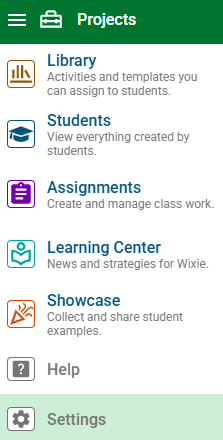
You will see your Wixie settings.
Choose My Classes.
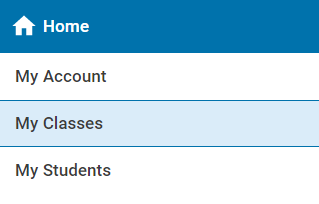
You will see the class, or classes, to which you have been assigned.
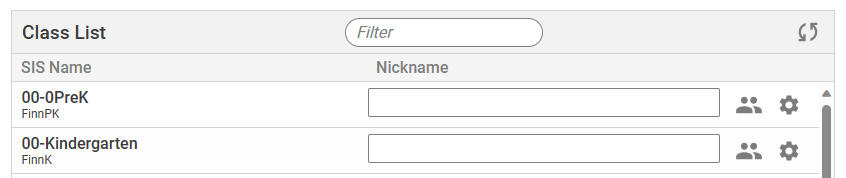
Use the blank field next to the class to add a nickname.
Click on the page away from the field to set the new name.
The nickname will be displayed instead of the name when you see a list of your classes.